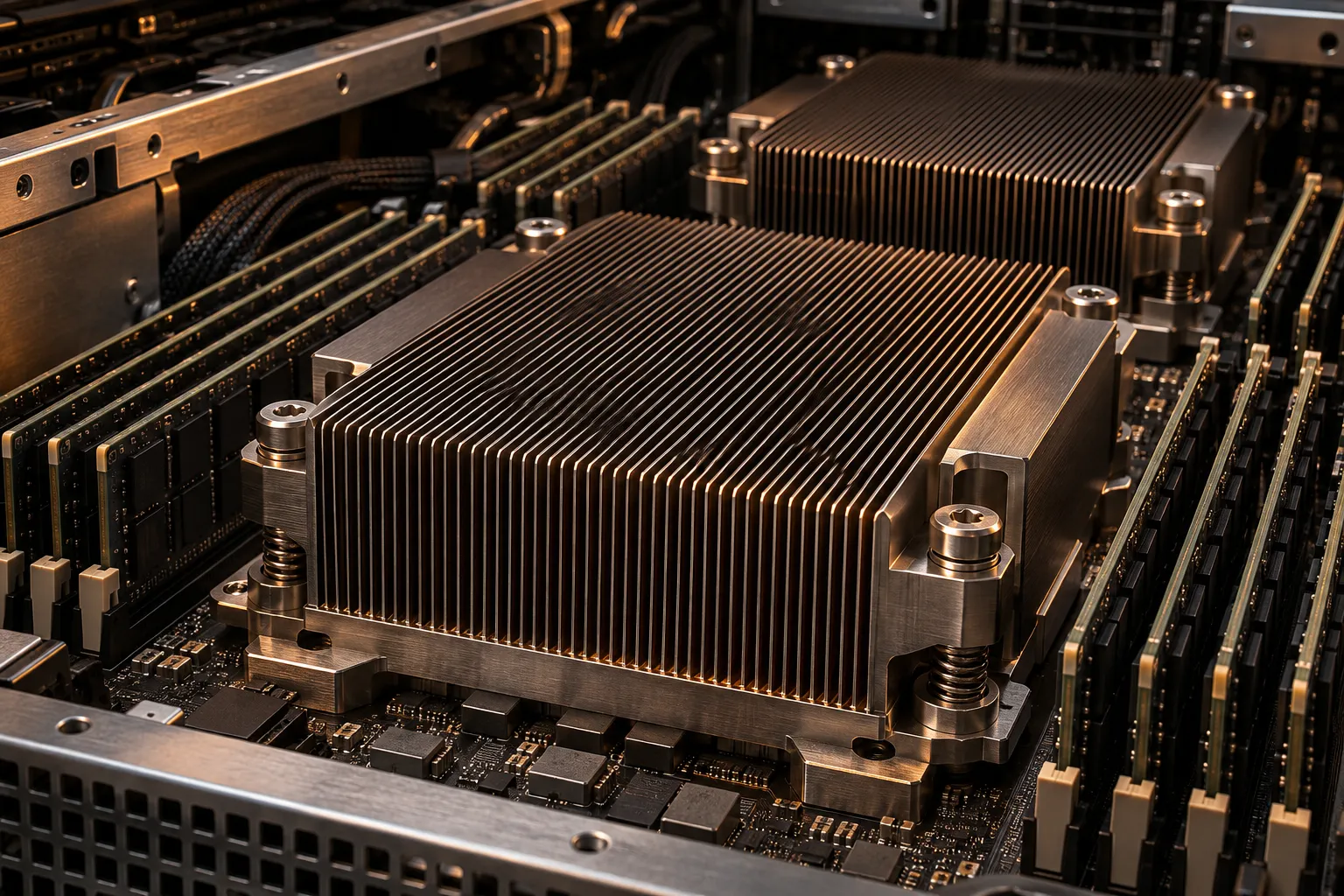
Virtual dedicated servers

Choose from 1 to 8 dedicated EPYC CPU cores, with 8 to 64 GB RAM and NVMe RAID-10 storage.

View VDS plans

Dedicated CPU VPS plans

VDS Solo

$5.53 USD / mo

$199.00 USD for 3 years

  • 1 dedicated EPYC CPU core
  • 8 GB RAM
  • 80 GB NVMe 4.0 RAID-10
  • 2–4 TB bandwidth
  • 10 Gbps shared network port
  • 1 dedicated IPv4
  • IPv6 prefix varies by location
  • Free backup/snapshot
  • KVM virtualization
  • Full root access
Configure in Store for VDS Solo

VDS Duo

$11.08 USD / mo

$399.00 USD for 3 years

  • 2 dedicated EPYC CPU cores
  • 16 GB RAM
  • 160 GB NVMe 4.0 RAID-10
  • 4–8 TB bandwidth
  • 10 Gbps shared network port
  • 1 dedicated IPv4
  • IPv6 prefix varies by location
  • Free backup/snapshot
  • KVM virtualization
  • Full root access
Configure in Store for VDS Duo

VDS Trio

$16.64 USD / mo

$599.00 USD for 3 years

  • 3 dedicated EPYC CPU cores
  • 24 GB RAM
  • 240 GB NVMe 4.0 RAID-10
  • 6–12 TB bandwidth
  • 10 Gbps shared network port
  • 1 dedicated IPv4
  • IPv6 prefix varies by location
  • Free backup/snapshot
  • KVM virtualization
  • Full root access
Configure in Store for VDS Trio

VDS Quad

$22.19 USD / mo

$799.00 USD for 3 years

  • 4 dedicated EPYC CPU cores
  • 32 GB RAM
  • 320 GB NVMe 4.0 RAID-10
  • 8–16 TB bandwidth
  • 10 Gbps shared network port
  • 1 dedicated IPv4
  • IPv6 prefix varies by location
  • Free backup/snapshot
  • KVM virtualization
  • Full root access
Configure in Store for VDS Quad

VDS Octa

$44.42 USD / mo

$1,599.00 USD for 3 years

  • 8 dedicated EPYC CPU cores
  • 64 GB RAM
  • 640 GB NVMe 4.0 RAID-10
  • 8–16 TB bandwidth
  • 10 Gbps shared network port
  • 1 dedicated IPv4
  • IPv6 prefix varies by location
  • Free backup/snapshot
  • KVM virtualization
  • Full root access
Configure in Store for VDS Octa

Loading location map…

When to choose VDS

  • CPU-intensive jobs

    Size a server for builds, data processing, and batch jobs that run for long stretches.

  • Production workers

    Give background services and queue workers CPU capacity sized for their sustained load.

  • Self-managed databases

    Compare memory and NVMe capacity for database engines you install and operate yourself.

VDS FAQ

Visit the Help Center
What does a dedicated EPYC CPU core mean?

Each plan lists how many physical EPYC CPU cores are reserved for your virtual server.

How do I choose a configuration?

Start with your workload’s sustained CPU and memory usage. Allow enough NVMe storage for data and logs, and check the included monthly transfer.

How do I order a VDS?

Choose a plan, server location and billing cycle. Checkout shows the price and opens a payment invoice after you place the order.

RackVector